Category: Uncategorized

  • DIY floating shelf project.

    DIY floating shelf project.

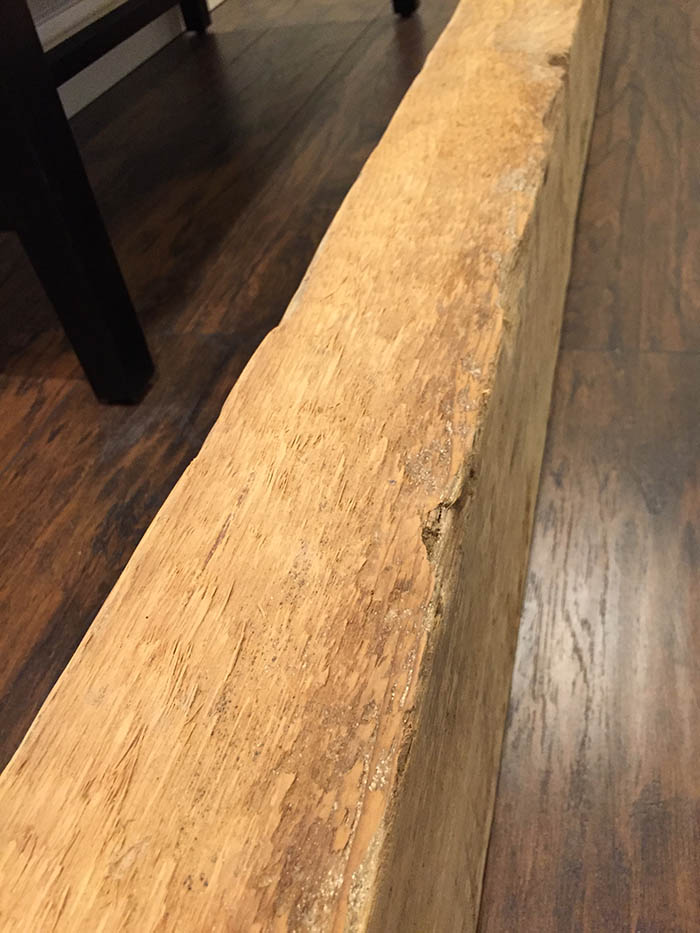
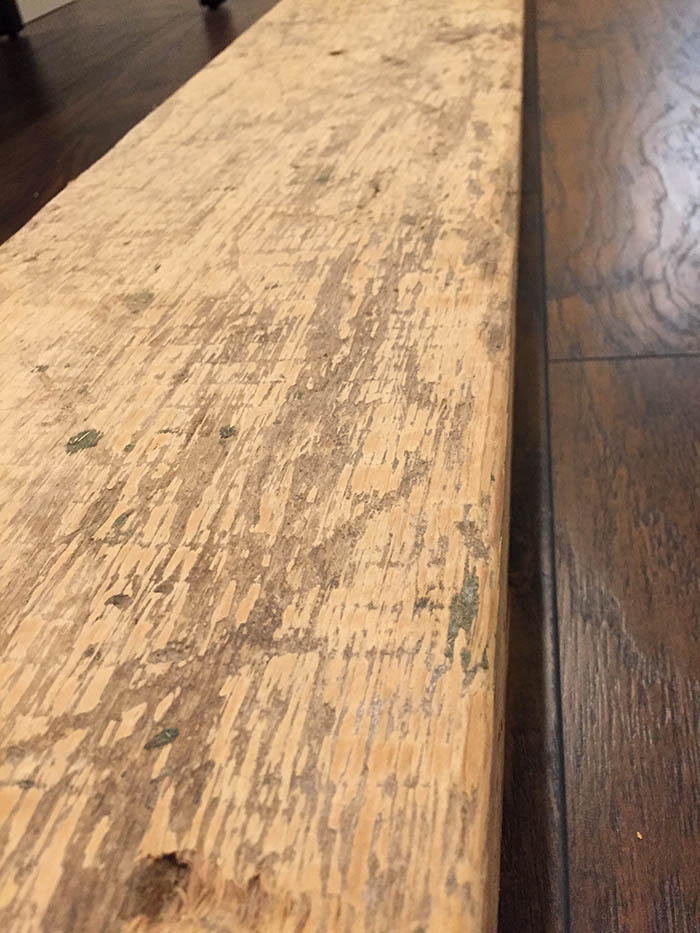
    Hey! I made a floating shelf, and I wanted to share how I did it. I had purchased this amazing beam from a reclaimed material place near me. It’s over 150 years old, and was used on an Amish milk farm in Lancaster, PA. I had originally purchased it to use as a mantle for a fireplace I built, which turned out awesome, but I had a nice piece left over that I didn’t want to go to waste.

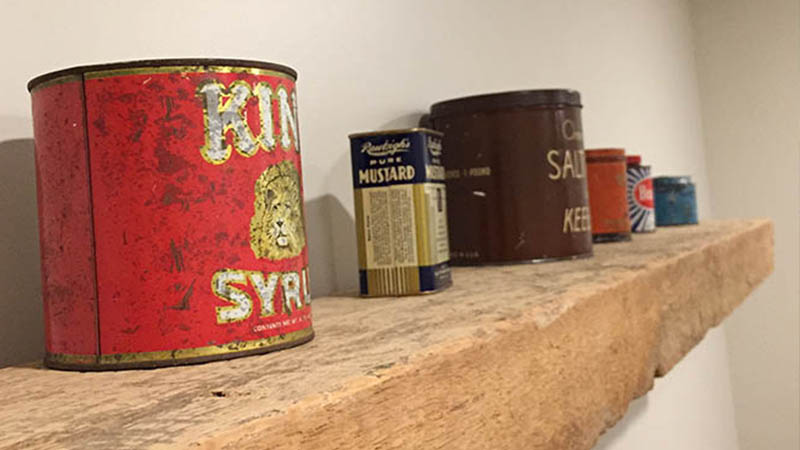
    I recently renovated our basement and the last piece of the renovation was setting an office up down there. The wall above my desk area looked a bit plain, and I have an old tin collection that I wanted to display, so I felt the beam as a floating shelf would work out perfectly.

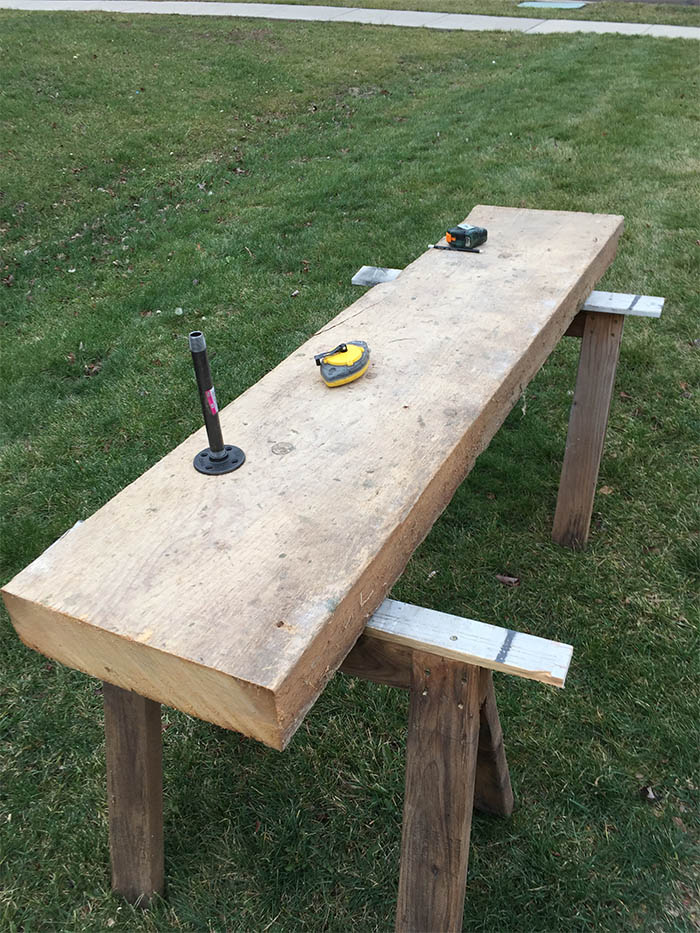
    To start, I knew I wanted the shelf to be roughly 8″ deep, but the beam is massive, measuring almost 15″ wide, so I had to rip it in half. Being that it’s almost 4″ thick as well, I had to cut it once from each side with a circular saw to get all the way through.
    DIY floating shelf

    If you don’t have a chalk line, get one, they are super handy for marking long cuts. I recommend Stanley.

    Once ripped in half, I spent a little bit of time lightly sanding to clean up some of the edges, but there is so much character in the wood I was careful not to over-sand.
    DIY floating shelf

    DIY floating shelf

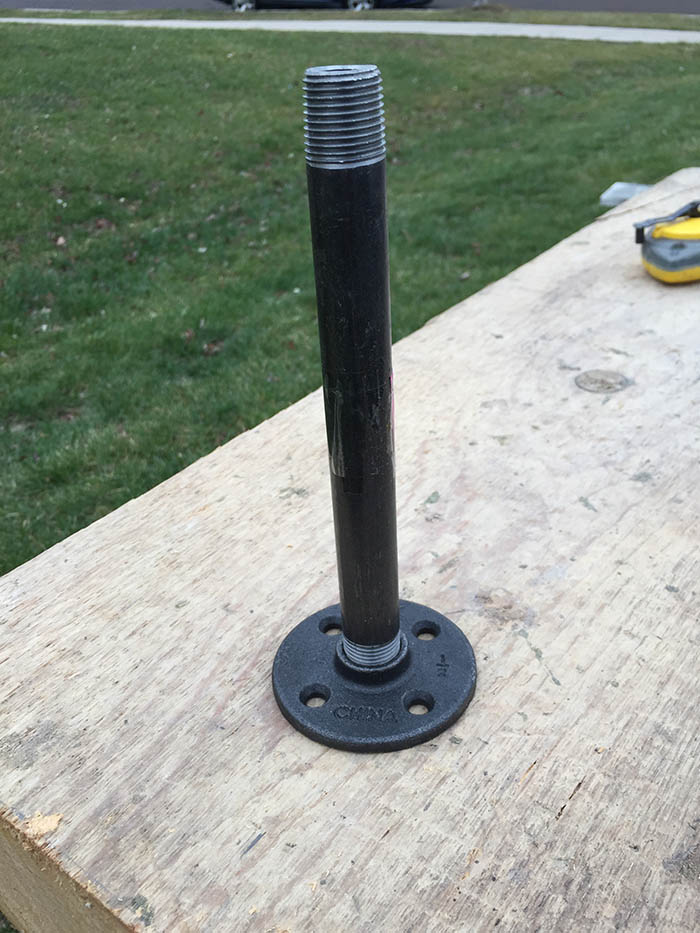
    Since I wanted the shelf to appear to be floating, I had to conceal the mounts. I looked around online, but in the end I decided to make my own mounts. I bought two 1/2″ threaded floor plates and two 1/2″ x 8″ lenghts of black pipe. I ended up cutting them shorter, to around 5″ with an angle grinder, but I figured longer was better knowing I could always cut them shorter. Here’s what they look like assembed before I cut them to length.
    DIY floating shelf

    So the basic idea for mounting is that these mounts will be attached to the wall into studs, and I’d drill a 7/8″ hole in the back of the shelf, and slide it onto the mounts. It sounds straightforward, but if you don’t measure perfectly and the holes don’t line up, you’re in for a real pain of an install. Measure 10 times, and drill the holes once. Also make sure you drill down deep enough to accept the lenght of your mounts. It’s fine to go too deep here, as long as you don’t drill through the other side.

    As mentioned, it’s imperative that you adequately anchor the mounts into studs. I would recommend also using hollow wall anchors in the additional holes that don’t hit studs.

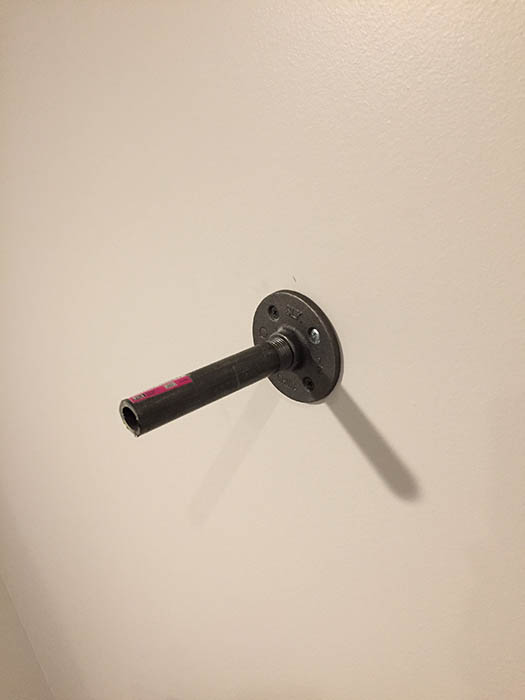
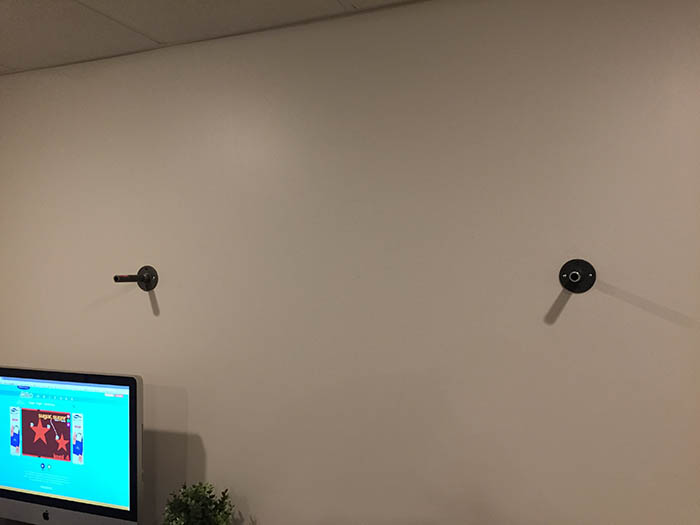
    Here’s what the mounts look like attached to the wall and trimmed to length.
    DIY floating shelf

    DIY floating shelf

    Again, make sure you measure perfectly and take your time drilling out the shelf. Also, as a note, keep in mind that when you set the mounts and found studs, that they will likely be offset on the back of your shelf, so ensrue that the shelf is centered on the space, not the mounts. My shelf is about 48″ long, and two mounts was adequate. Mark your drill positions, and center them vertically on the back of the shelf. I found that a 7/8″ paddle bit was just about the perfect size for the outside diameter of 1/2″ black pipe. It’s a hair larger, but that wiggle room helps when you hang it. Here’s a shot of what the holes look like drilled out of the back of the shelf.
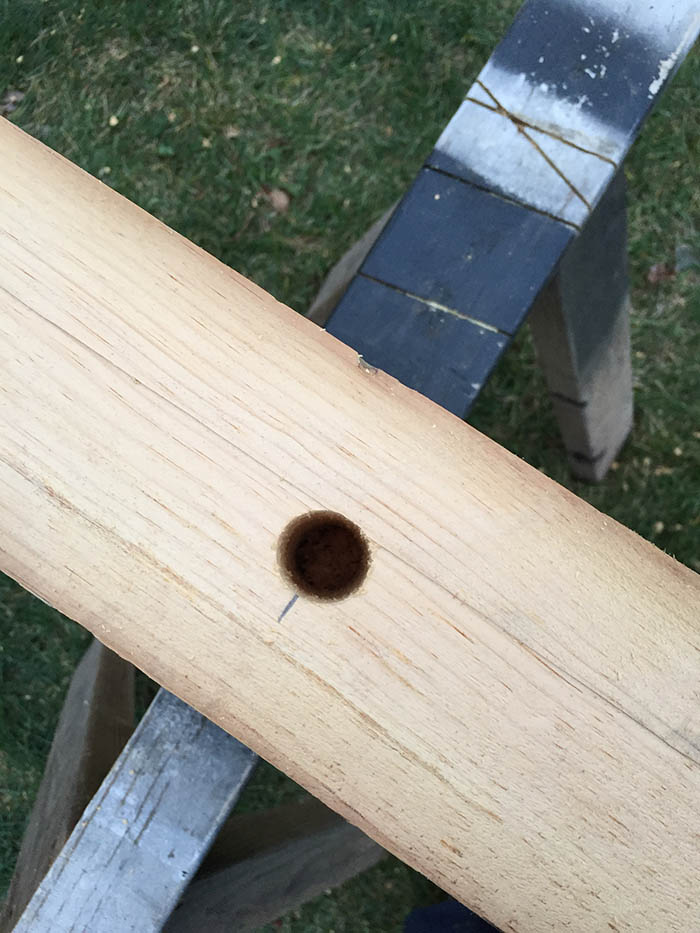
    DIY floating shelf

    The actual installation of the shelf is probably the hardest part. It’s tricky to line the holes up with one person, so I’d recommend bringing a friend. It may be a little tight, which is good, so put some pressure on the shelf and it should slide right onto the mounts. That’s it! Now put your favorite things on the shelf. I have a small collection of antique tins, so I finally have a place to put them.
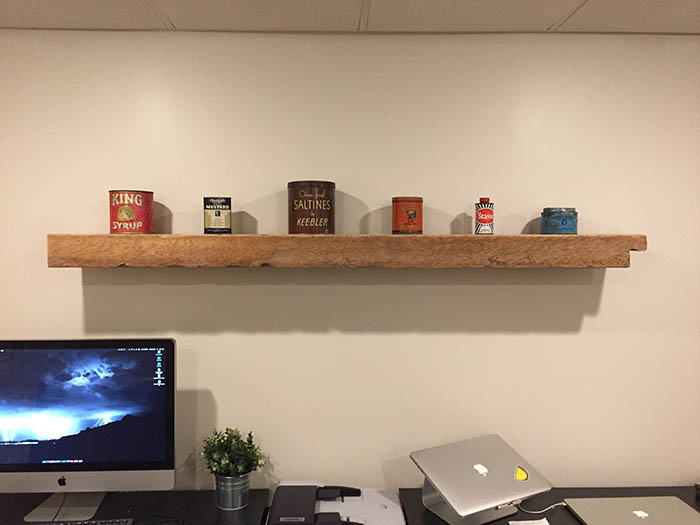
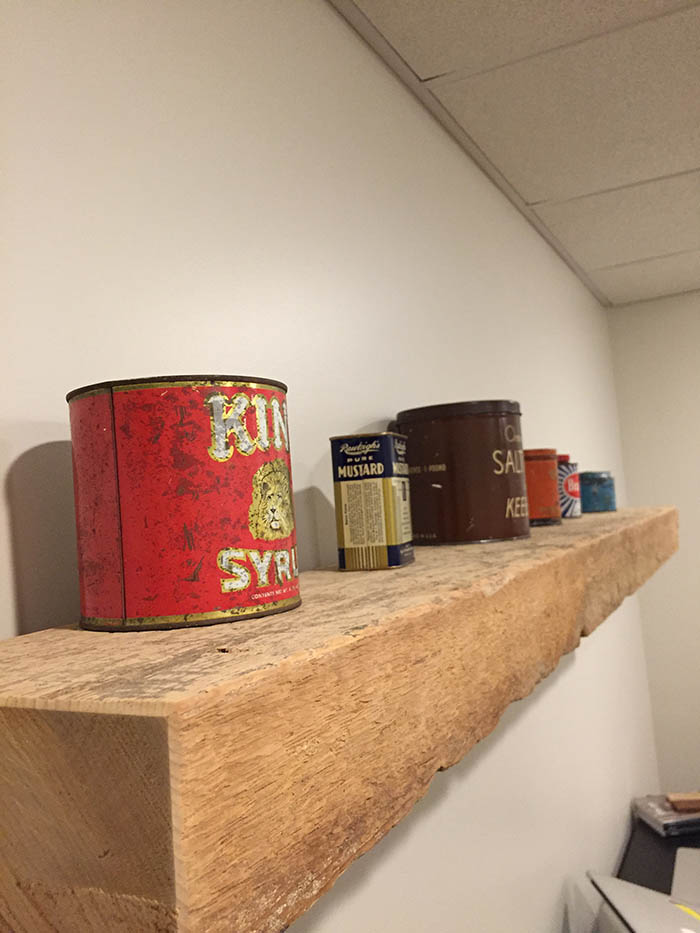
    DIY floating shelf

    DIY floating shelf

  • Soft enamel taco pins are here!

    Soft enamel taco pins are here!

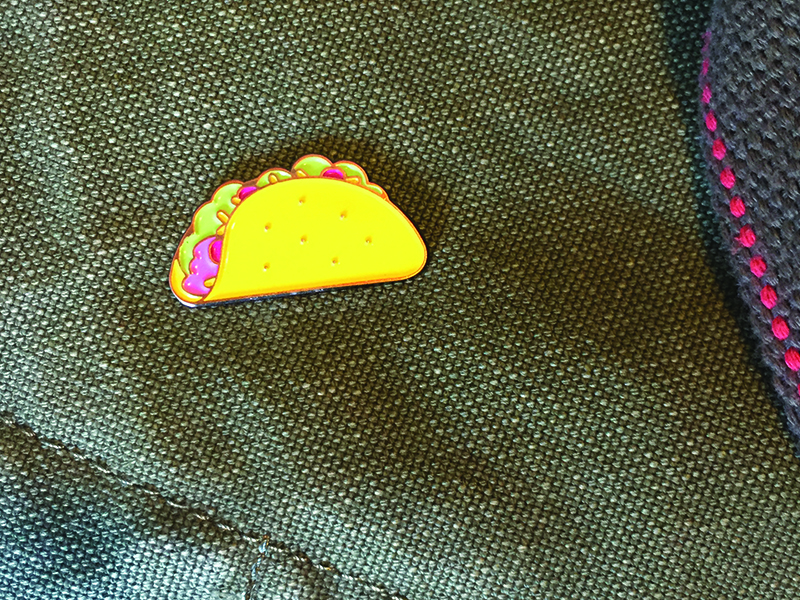
    No lapel is complete without a taco pin. These 30mm, 5-color taco pins are ready for your pin-accepting garmets. Grab one (or 12) today. Tell your friends! Grab a pin below, or you can get one on Etsy.

  • Taco Ipsum — now every day can be taco tuesday … in your placeholder text.

    Taco Ipsum — now every day can be taco tuesday … in your placeholder text.

    Because it’s important to have another placeholder text generator in your life, and tacos are tasty. Next time you mock up a page or build a prototype, why not fill it with Taco Ipsum, the most delicious placeholder text available on the entire internet. Remember, sharing is caring ❤.

    Visit Taco Ipsum

  • Taco tee at Cotton Bureau

    Taco tee at Cotton Bureau

    Thrilled to announce my taco tee was accepted to be featured on Cotton Bureau. Cotton Bureau is a very tightly curated custom t-shirt community, and they are a cool little company that prints really great shirts. They have a 12-sale minimum for designs to go to print, and as of this writing (day one), we’re at 5, almost half way there! Help this t-shirt go to print and order one today. Thanks!

    Snag a Tee

  • My site was nominated at CSS Awards

    My site was nominated at CSS Awards

    Hey, my site was nominated at CSS Awards, pretty neat!

    See nomination

  • Buttons are cool, but taco buttons are awesome

    Buttons are cool, but taco buttons are awesome

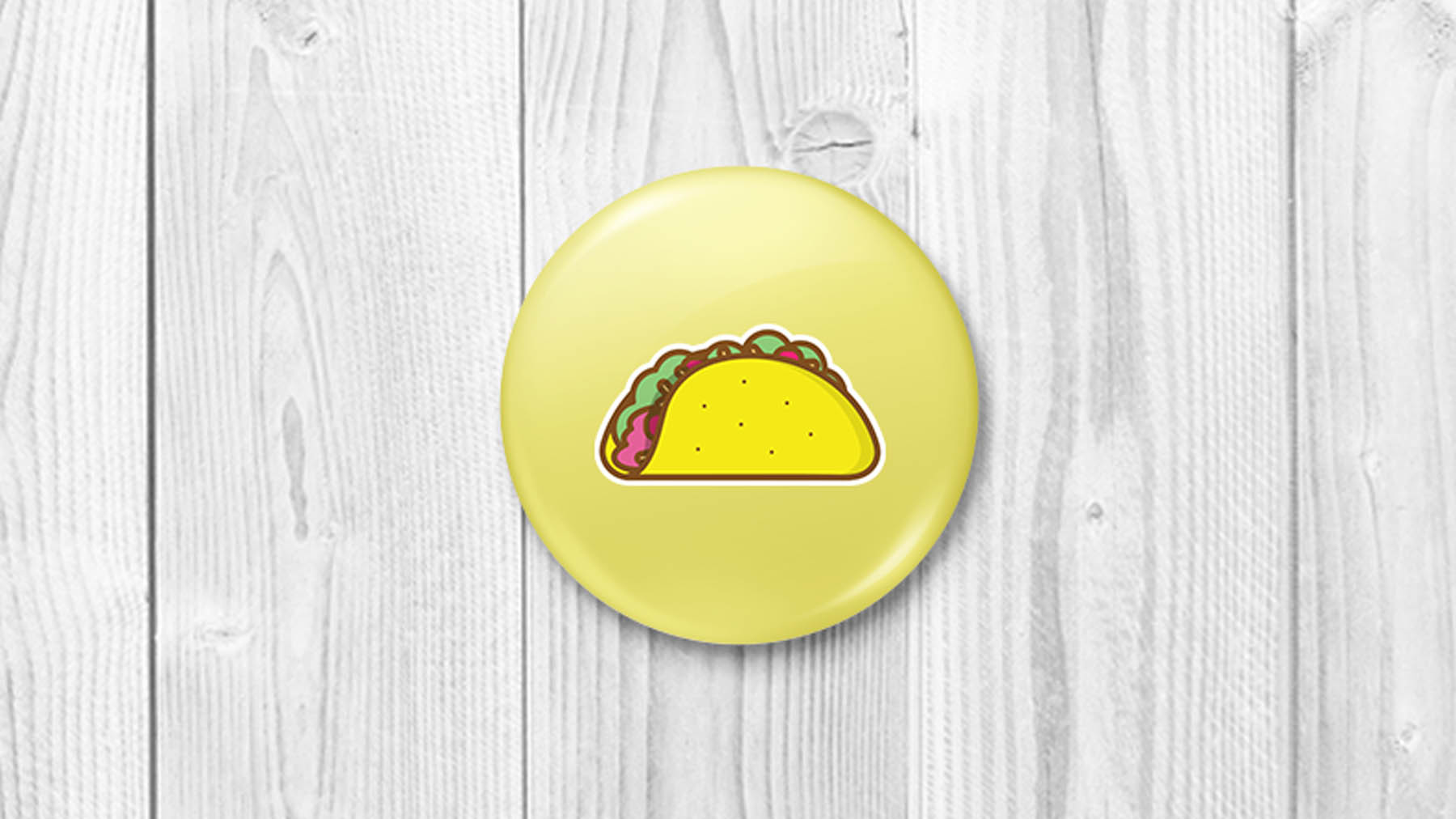
    I figured why not make some buttons. You can buy one for yourself, only $3.50. They are 1.5″ round. Just click the button below, enter your deets and I will send one over. Thanks!

  • A taco sticker for you, and one for you

    A taco sticker for you, and one for you

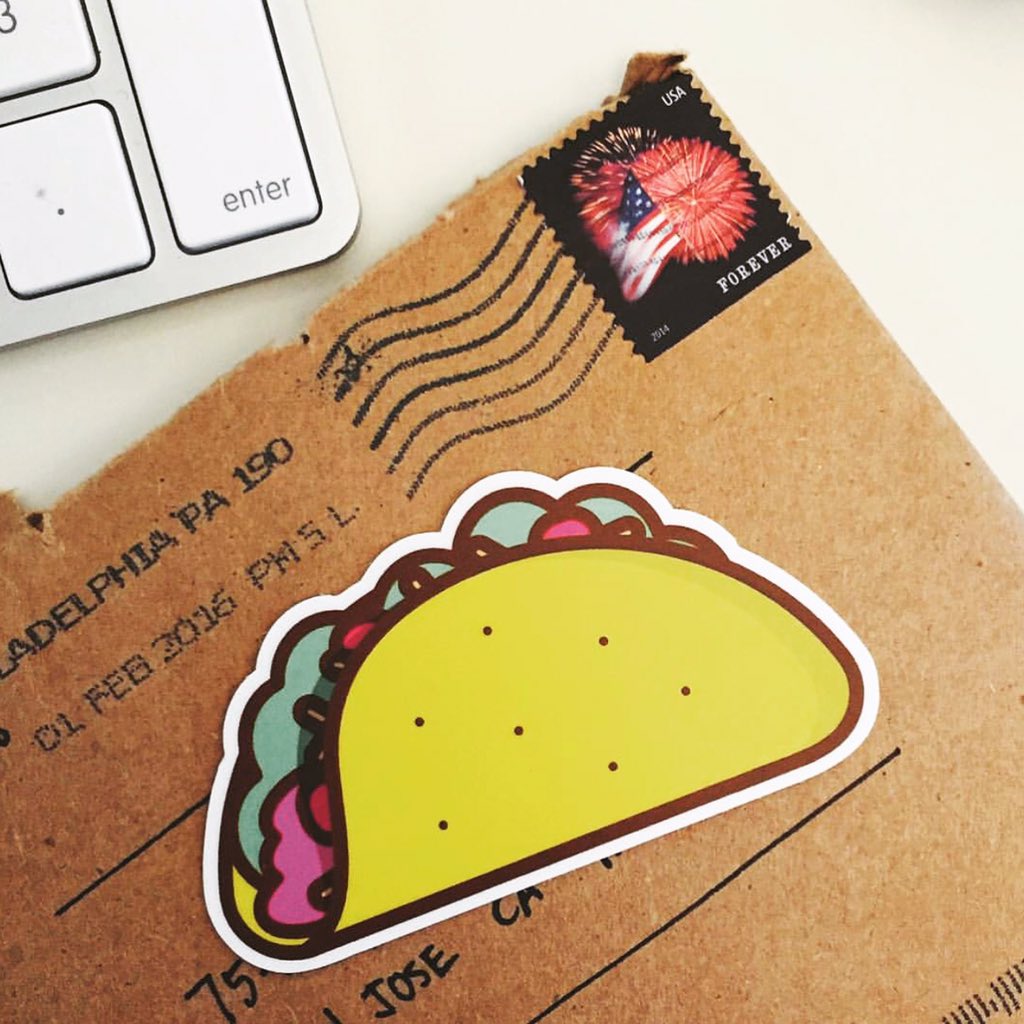
    I made this illustration and decided it would make for a neat sticker. Now you can get some for yourself and all your friends.

    Head on over to Sticker Mule and grab one. You can order as few as one. If you do, be sure to send over a photo of where you stuck it so I can add your photos here. Thanks!

    Update

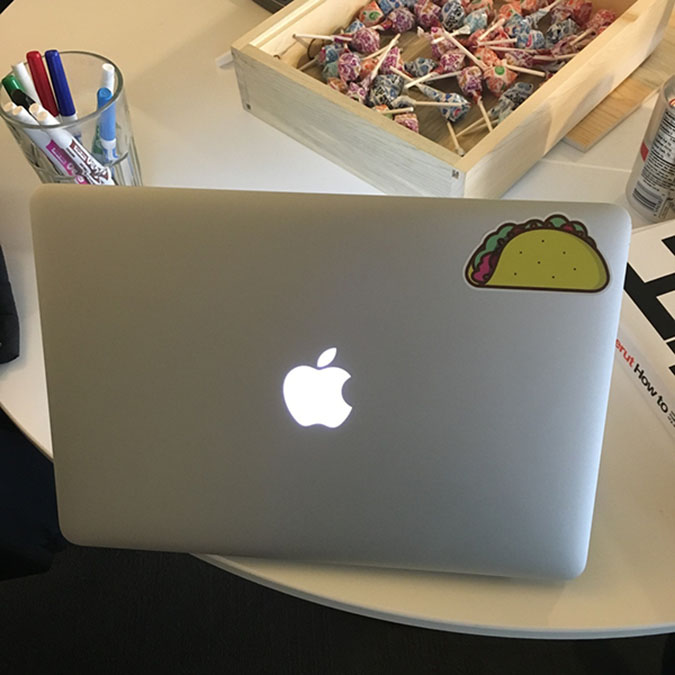
    Some taco stickers in the wild.

    Taco sticker on Mike’s macbook

    Taco sticker Air Mail

    Buy a sticker

  • GIF me a new tab, a Chrome extension for the masses

    GIF me a new tab, a Chrome extension for the masses

    I’ve been wanting to play around with building a Chrome extension for a while now. This is the result of me adding one of my favorite things to my daily work flow: GIFs. I open new tabs in chrome, alot, like, alot alot. I also like GIFs, alot. So why not merge the two?

    GIF me a new tab is an extension for the Chrome Browser that presents you with a random GIF right inside your browser window each time you open a new tab. You can then Shuffle (or hit the S key) to see a new GIF, and even grab the GIF url to share it (or hit the G key).

    The GIFs are returned at random via the Giphy API, and are mainly animal GIFs (for now), and I also ensured that nothing will be returned that is rated higher than PG-13, so feel free to install on all of the machines in your high school computer lab.

    As an added bonus, I have included a few hand-selected GIFs from my personal collection. Grab your (free) download today! Let me know what you think, I’m always open to suggestions.

    Get extension

  • Learning to live like I’m on vacation without a cell phone connection

    Learning to live like I’m on vacation without a cell phone connection

    I won’t forget the moment I realized how much time I spent lost inside my phone.

    My family and I were on our 13th almost-annual trip to our family mountain house. Set on a picturesque private lake in upstate Pennsylvania, the home-away-from-home is our favorite place to celebrate the Fourth of July. With multiple families packed into a tiny house without some of today’s modern amenities, you begin to appreciate the simpler things.

    A simpler place with fewer obligations

    The home is situated in a deep valley down a long dirt road. A few minutes after turning off the main road, our phones go into an eternal state of “searching” for a signal. The TVs display three or four public channels, whose clarity was recently improved by a makeshift antenna my father-in-law nailed to a tree. In the place of high-speed internet or 500 channels of HD programing, you get a game of late night Scrabble; talking about stories of past trips; canoe trips on the glassy freshwater lake; and kids roasting marshmallows while massive, probably illegal fireworks explode much closer than you’d prefer.

    I’m always amazed by how the days feel longer at the lake house. I don’t know if we enter into some third dimension, or maybe it’s the absence of distractions that slows the clock down. Whatever it is, this year the visit forced me to realize how important it was for me to disconnect and appreciate the sound of silence.

    —

    “Dad, I lost my worm.” Jack, our seven-year-old son, was doing a great job of keeping the fish fed. He was really determined not only to catch a fish, but insisted on learning how to bait his own hook. “Dad, can I put the worm on?” he asked.

    Peace and quiet on the water

    I’m not much of an outdoorsman, but Jack was really excited about fishing, so I did my best. The next few times, we put the worm on together, and I realized during this process how much of my attention he had, possibly because he was whipping around a razor-sharp hook, but I like to think it was because I was there for him, and I wasn’t worried about anything else outside of this moment.

    Jack felt confident he was ready to add his own worm, after losing 20-or-so from previous attempts. He did great. With the exception of a few poked fingers, he had it down, and finally hooked the first of many fish that weekend.

    It was a small, pure moment of focus. I’ve been trying to replicate it ever since.

    —

    I hadn’t realized how much I had been missing in my daily life because of what I call connectivity distraction.

    I work behind a computer all day, so I’m constantly connected. I work remotely from home, so I don’t disconnect after my work day ends. Little notifications follow me through dinner and into our evening activities. Even on the weekends, every buzz of my phone, whether I look at the notification or not, I’m whisked away into a state of semi-consciousness where I consider the possibilities of that buzz. Is it an update on a work project? Or maybe somebody replied to a tweet? What if someone is trying to reach me by text? It could be — and probably is — unimportant. Then again, it could be the most important message of my life!

    I wouldn’t say I’m addicted to being connected, but my norm has certainly become an always-connected state.

    Since our fishing moment, I’ve set some disconnecting guidelines for when I am home, and they have been working well so far.

    Wrong time, wrong place

    I enjoy being on my phone, even after work hours. I love what I do, so it’s only natural for me to want to read about and poke around in those interests. However, there is a time and place for that. When it’s family time, we all go into airplane mode. What I’ve realized after being fully disconnected for five days, is that the notifications will be there when you’re ready to check them.

    No such thing as a “quick reply”

    Quickly replying to a work email or Slack ping during movie night is disrupting, and unless it’s an emergency (sometimes there will be exceptions), most of the time it can wait. When the lines were blurred between my family and work life, I couldn’t disconnect, because work never ended. I now follow a pretty strict guideline, and unless I’m on-call, I don’t even carry my phone with me when away from the computer. Or, if I’d like to take photos, I am diligent about using airplane mode.

    Think of the children

    Lastly, I want my children’s perception of technology and connectivity to be one of good and value, as a tool, not a lifestyle. My wife and I have spoken a great deal about how important it is for our family to spend time together disconnected, so we’ve implemented limits for our kids as well. This generation of kids is being raised in a world full of devices and technology at their fingertips, and we want ours to understand not only how to disconnect, but that it’s okay and important to do so.

    In practice, not only am I able to conduct conversation with more clarity than in recent memory, I am more engaged and more clearly recall my conversations when I reflect on the events of a day. By breaking up my day, I’ve been able to store memories in distinct buckets, which has been really helpful in fostering my work / life balance.

    It took a few days without technology for me to realize that I need less of it in my life, or at the very least, more deliberate breaks. It was absolutely rejuvenating, and what I realized was it doesn’t require a trip to the mountains each time I want to recharge and disconnect, I can do it anytime by just stepping away, because the notifications will be there when I get back.

    *This piece was originally published on The Verge

  • Auto-play and muted YouTube Video Background

    Auto-play and muted YouTube Video Background

    I needed a reliable way to use video as a background element, and HTML5 video requires too much up front work. For instance, you have to edit a base mp4, and convert it to atleast 2 other types (WebM and OGG) for proper browser support. Obviously, uploading a video to YouTube makes that so much easier, as they deal with the browser support part of things for us. Using this script makes things so much easier, just replace the Playlist and videoId variables, and you’re set, the YouTube API does the rest.

Menu